Using the panel
Alerts and messages
Everything that needs you, in one list, and optionally on Telegram.
1 min read · Updated
The bell icon at the top and Alerts in the menu show messages from the panel. The number on the bell is how many you haven't read.
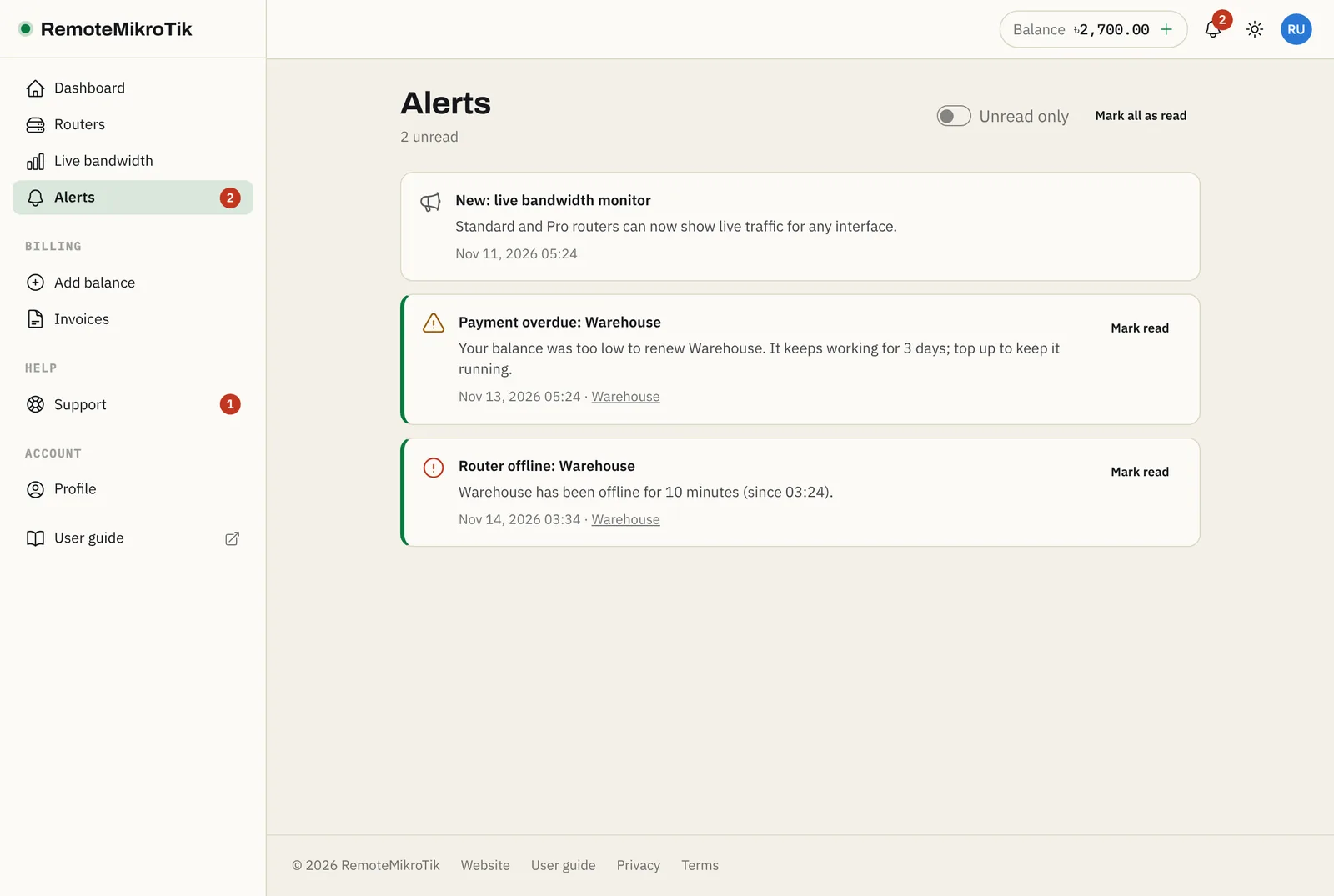
What you are told about
| Alert | When |
|---|---|
| Router offline | A router has been offline for 10 minutes (and back online when it returns) |
| Payment overdue / suspended | A renewal could not be paid, and when the grace period ends |
| Backup failed | The first time a daily backup fails |
| Ticket replies | Support answered one of your tickets |
| Announcements | News about the service, such as new features or maintenance |
Press Mark read on an alert, or Mark all as read. Use Unread only to hide the rest.
Get alerts on Telegram
On Pro, the important alerts also come to Telegram, so you know about an offline router even when you are not in the panel. See Connect Telegram.
Emails are sent for account and billing matters (such as renewals and payment problems), and can be switched off under Profile → Notifications.
Still stuck? Open a support ticket and tell us which step didn't work.