Using the panel
Your dashboard
Everything at a glance, and what to do next.
1 min read · Updated
The dashboard is the first page after you log in. It answers three questions: are my routers fine, does anything need me, and how much balance do I have?
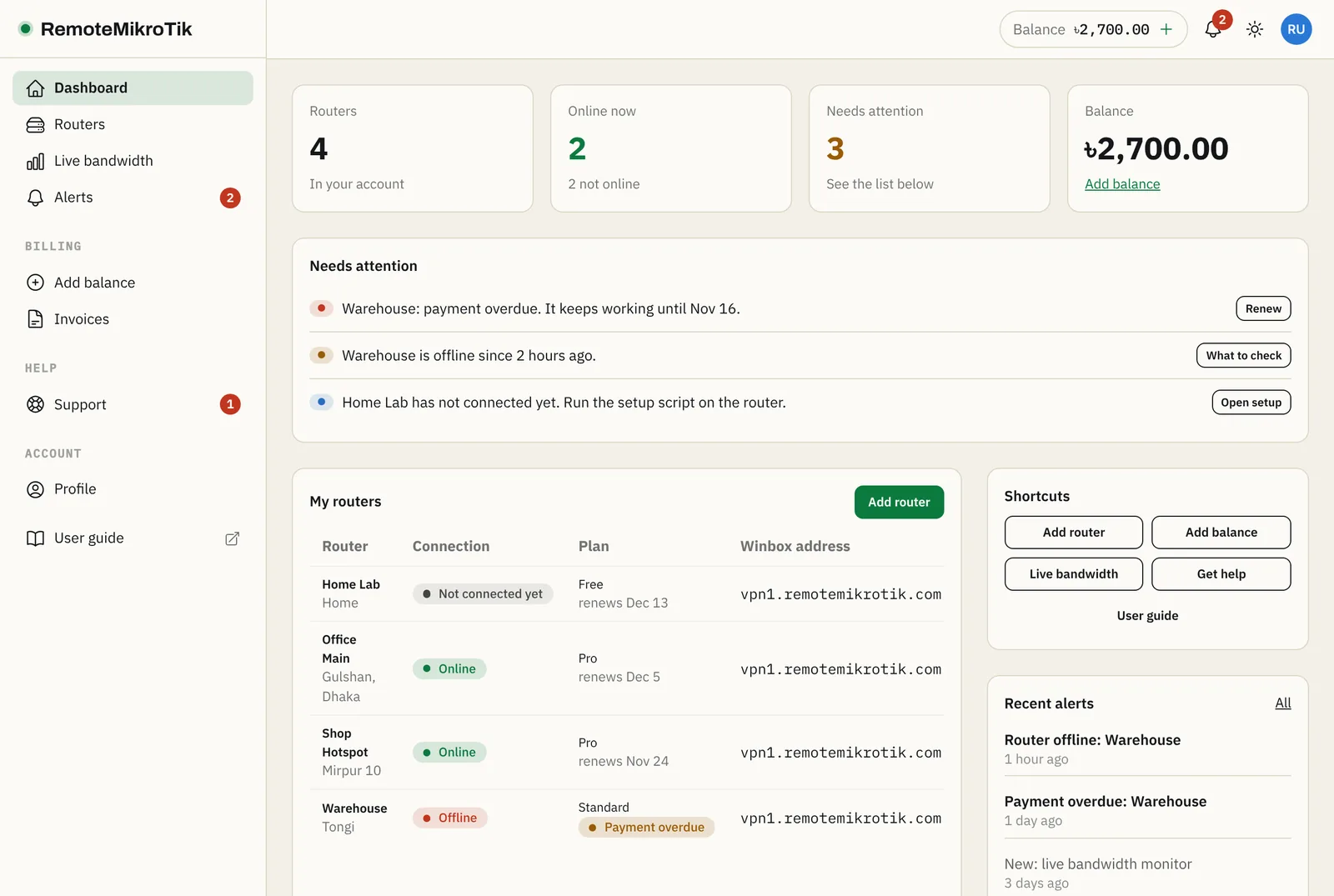
The four numbers
- Routers: how many routers are in your account.
- Online now: how many are connected to our server at this moment.
- Needs attention: how many items are in the list below the numbers.
- Balance: what is left for renewals and new routers. Press Add balance to top up.
Needs attention
Each line says what happened and has a button for the next step:
| Message | What it means | Button |
|---|---|---|
| Payment overdue | The renewal could not be paid; the router keeps working for 3 days | Renew |
| Suspended | The grace period ended; the router is paused | Renew |
| is offline | The router stopped talking to our server | What to check |
| has not connected yet | The setup script hasn't been run, or the router can't reach us | Open setup |
| renews on …, but your balance is too low | Auto-renewal in the next 7 days will fail without a top-up | Add balance |
When everything is fine, this list is hidden.
My routers
Every router with its connection, plan, renewal date and Winbox address. Click a name (or Open) for the router page.
- Online: connected now.
- Offline: was connected, but not now. See Router shows offline.
- Not connected yet: has never connected. Run the setup script.
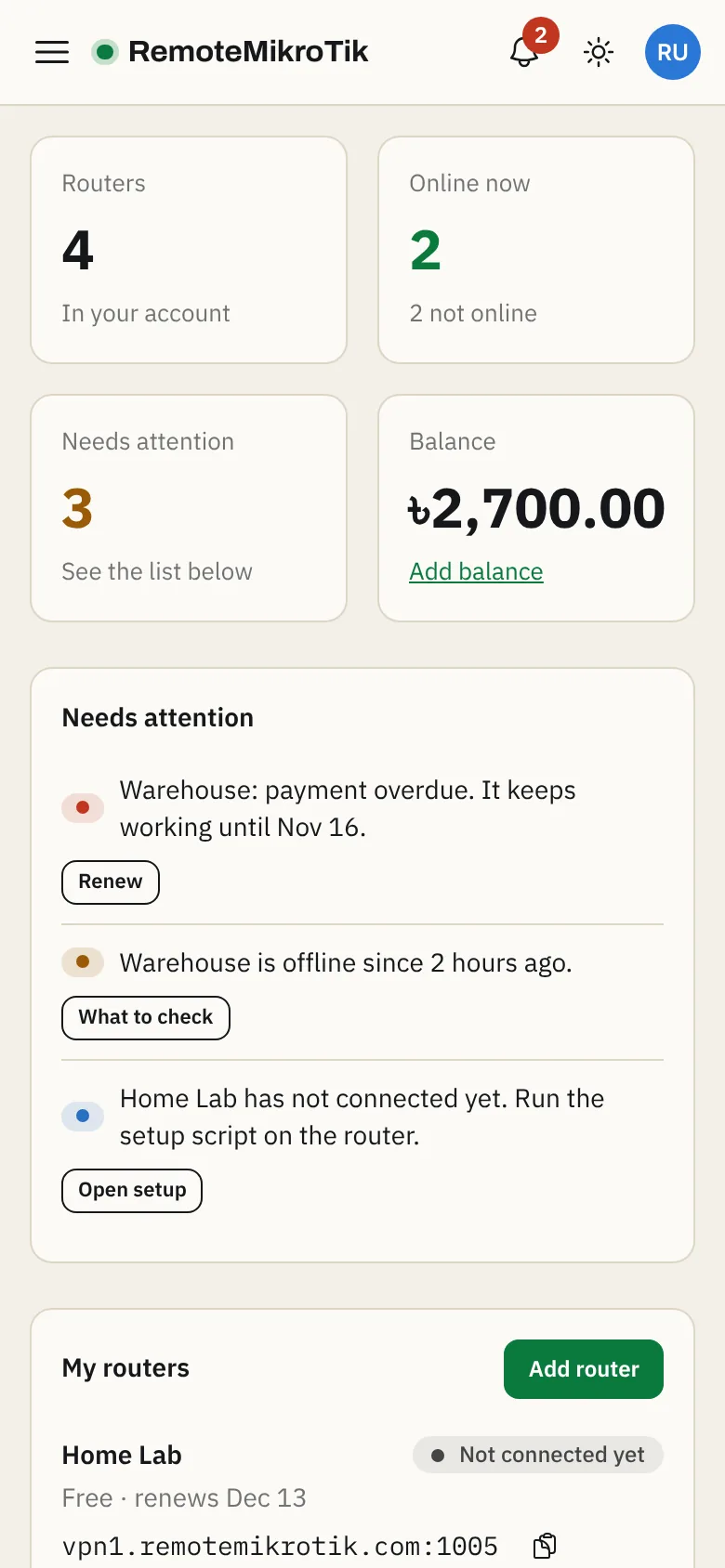
On a phone
The same information, stacked: numbers first, then the list and your routers.
Still stuck? Open a support ticket and tell us which step didn't work.