Support & account
Live WhatsApp support
Verify your number once, then chat with us on WhatsApp.
1 min read · Updated
Included in Standard and Pro. On the Free plan, use support tickets.
Steps
- Open Support in the menu and choose WhatsApp. Enter your WhatsApp number with the country code (for example 8801712345678) and press Send code.
- You get a 6-digit code on WhatsApp. Enter it and press Verify. The code works for 10 minutes.
- Press Chat with support on WhatsApp. WhatsApp opens a chat with our support number. Write from this verified number.
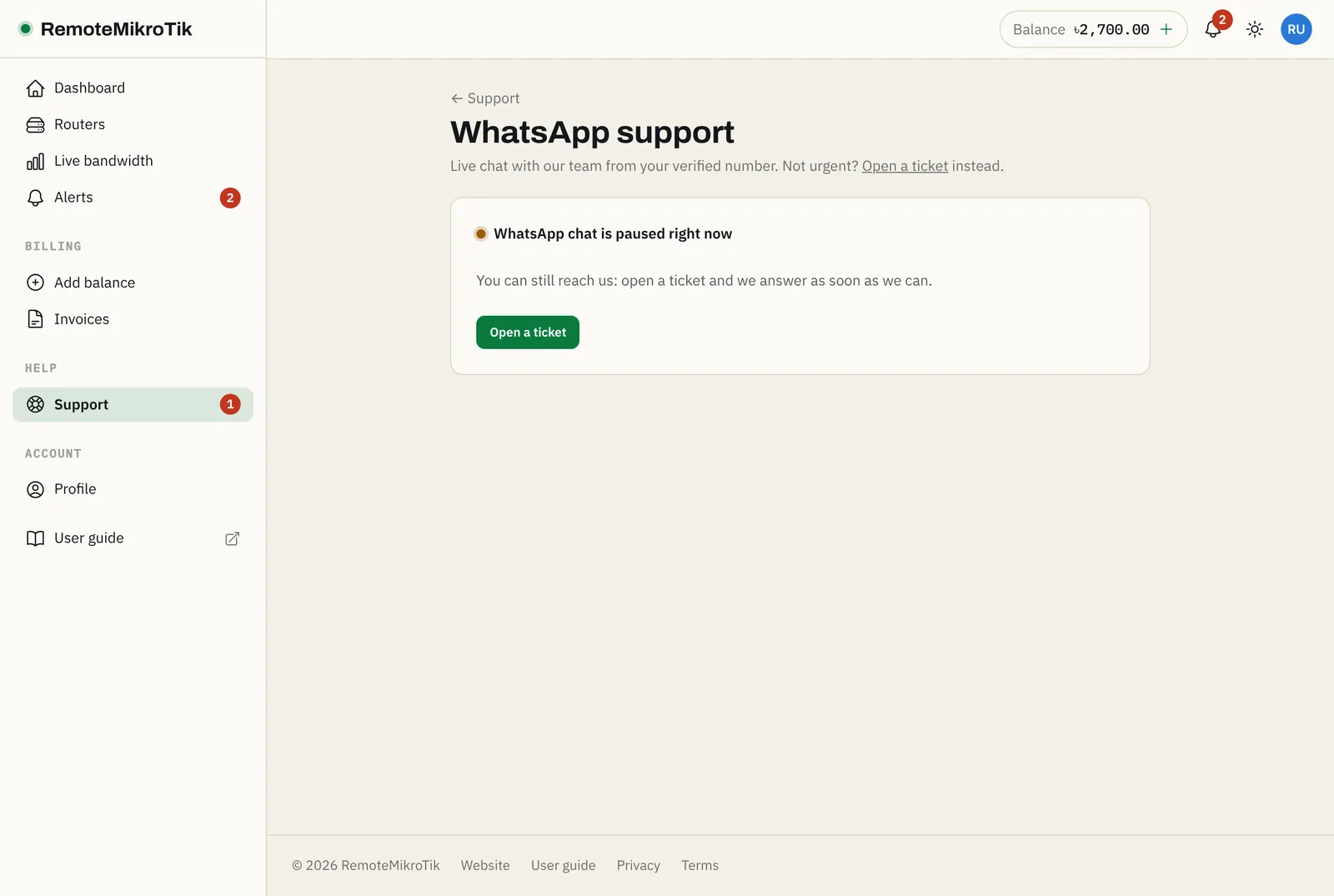
To change the number, press Use another number and verify the new one.
Note: For your security, we only answer WhatsApp messages from numbers verified in a panel account. Messages from other numbers are not answered.
Questions
Why do I have to verify my number?
So that only you can ask about your account. We don't answer WhatsApp messages from numbers that aren't verified in a panel account.
I didn't get the code.
Check that the number is your WhatsApp number with the country code. You can ask for a new code after a minute, up to 5 times a day.
Still stuck? Open a support ticket and tell us which step didn't work.