Troubleshooting
Router shows offline
Go through these checks from top to bottom; most cases are the first two.
1 min read · Updated
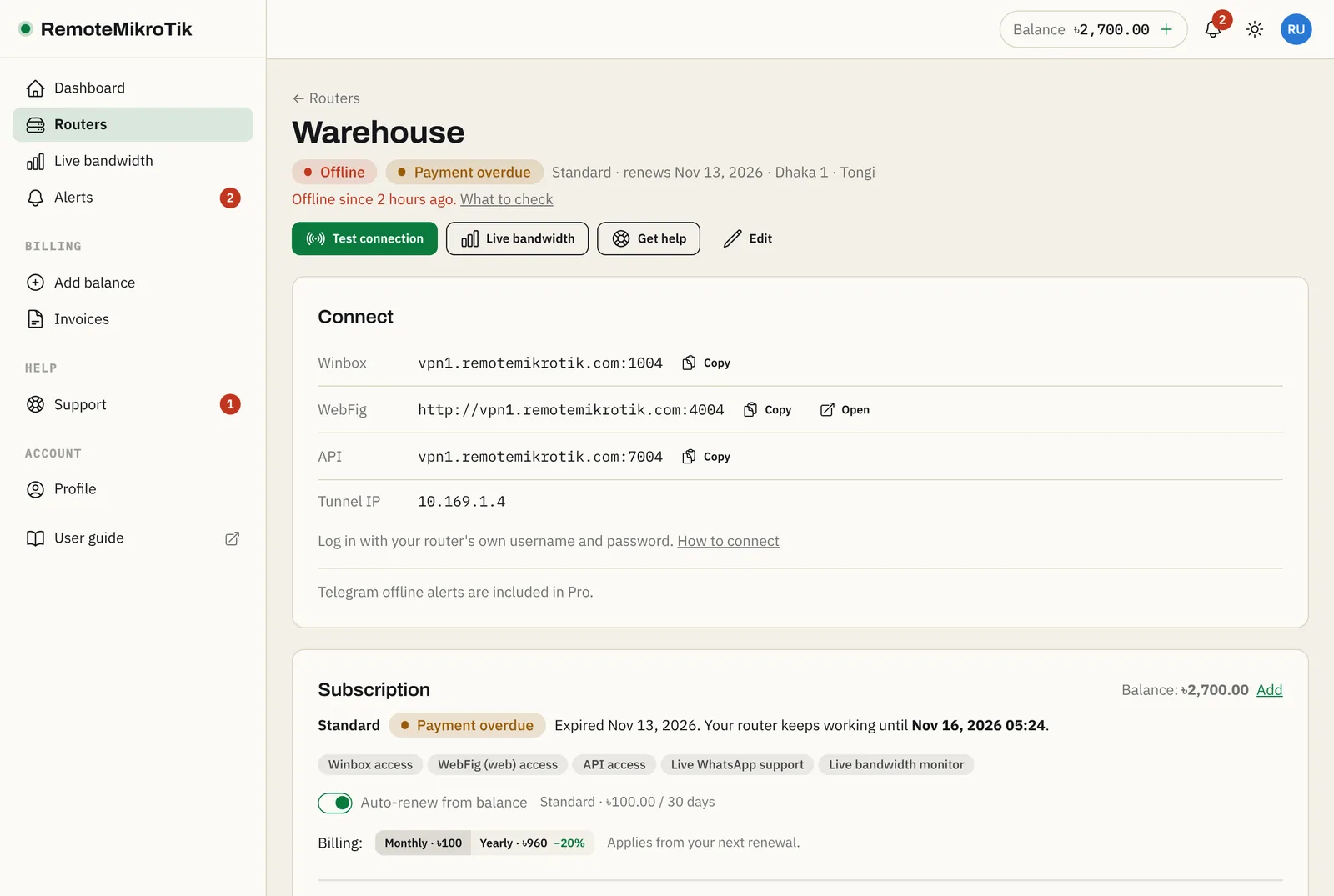
Offline means our server has not seen the router's tunnel for a while. The router page shows since when.
Steps
- Power and internet at the site. Is the router on, and does the site have internet? Ask someone on site, or check your ISP. This is the cause most of the time.
- The SSTP client on the router. Open the router locally and run
/interface sstp-client print. The RemoteMikroTik line must show R. If it is missing, run the setup script again. - Why the tunnel doesn't connect. Run
/log print where topics~"sstp". Common messages:- connection refused / timeout: outgoing TCP port 443 is blocked at the site, or there is no internet.
- authentication failed: the tunnel password changed. Copy the setup script from the panel again and run it.
- The router's clock. A clock that is years off can break the encrypted connection. Check System → Clock, or turn on NTP:
/system ntp client set enabled=yes servers=time.google.com. - The subscription. A suspended router can't connect. Check the router's page; see Renewal, grace period and suspension.
- Still offline? Open a ticket and choose the router: we see what our server sees.
Tip: On Pro, you get a Telegram message when a router goes offline and when it is back. See Offline alerts on Telegram.
Questions
It shows offline but I can reach the site's internet.
Then check the router's SSTP client: it must show R (running). If it doesn't, look at /log print where topics~"sstp" for the reason.
How long until it shows online again?
Within a minute after the tunnel is back.
Still stuck? Open a support ticket and tell us which step didn't work.