Getting started
Create your account
Sign up, confirm your email, and you are ready to add a router.
1 min read · Updated
Steps
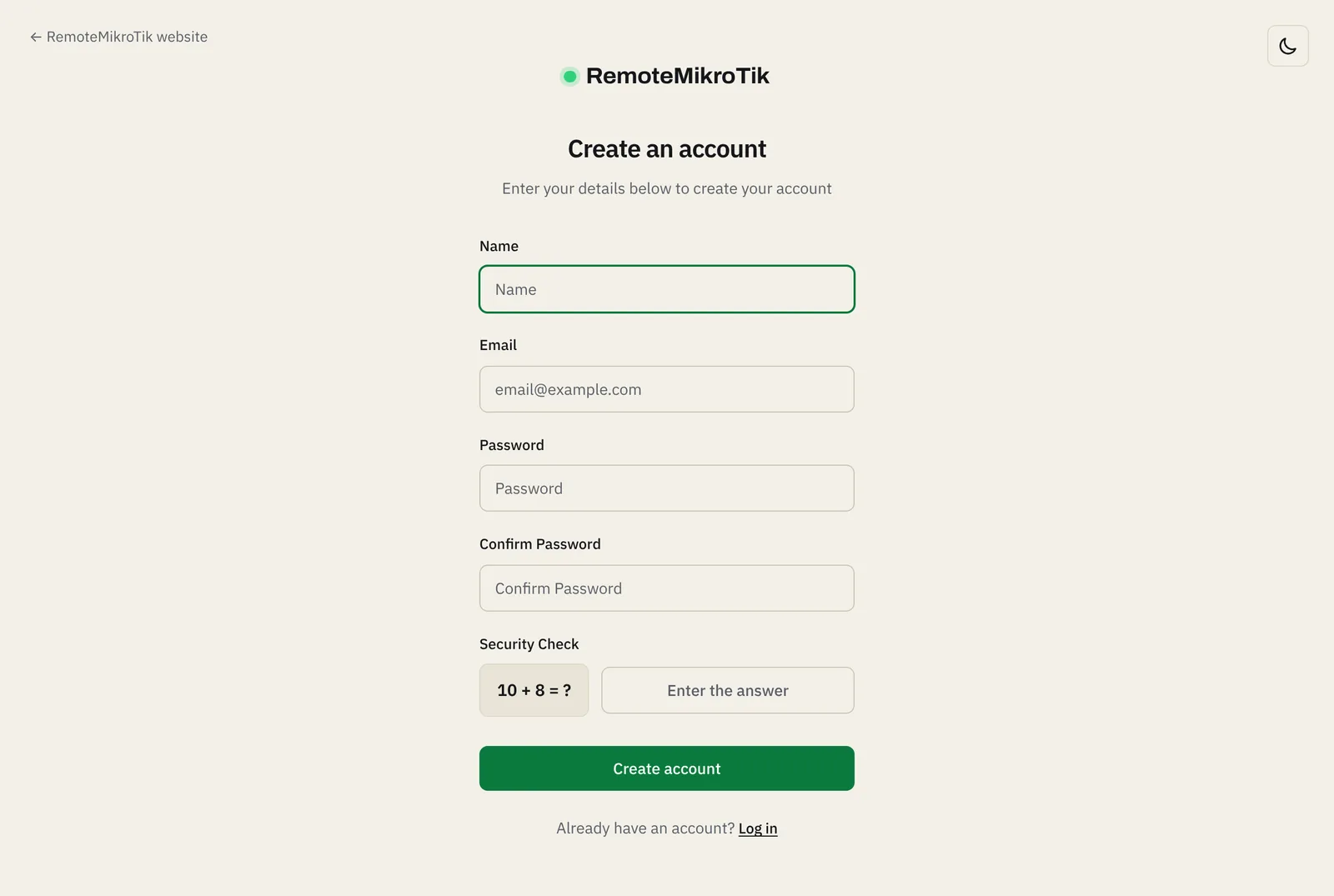
- Open https://remotemikrotik.com and choose Create an account, or press Start free on our website.
- Enter your name, email address and a password (at least 8 characters). Use an email you check: invoices, renewal reminders and security messages go there.
- Answer the Security Check sum. It keeps automated sign-ups out.
- Press Create account.
- Open the email we send you and click Verify email. The link works for 60 minutes.
- Log in with your email and password. You land on your dashboard.
Tip: Too many wrong logins in a short time pause logins for a few minutes. This protects your account from password guessing. Wait a moment, or use Forgot password.
If something goes wrong
- "The email has already been taken": you already have an account. Use Forgot password on the login page.
- No verification email: see the questions below.
- "Too many attempts": wait the time shown, then try again.
Next: Add your first router.
Questions
I did not get the confirmation email.
Check the spam folder, and wait a few minutes. On the login page you can ask for the email again. If it still does not arrive, use the contact form on our website.
Do I need a card to sign up?
No. The Free plan needs no payment. You only add balance when you choose a paid plan.
Still stuck? Open a support ticket and tell us which step didn't work.